
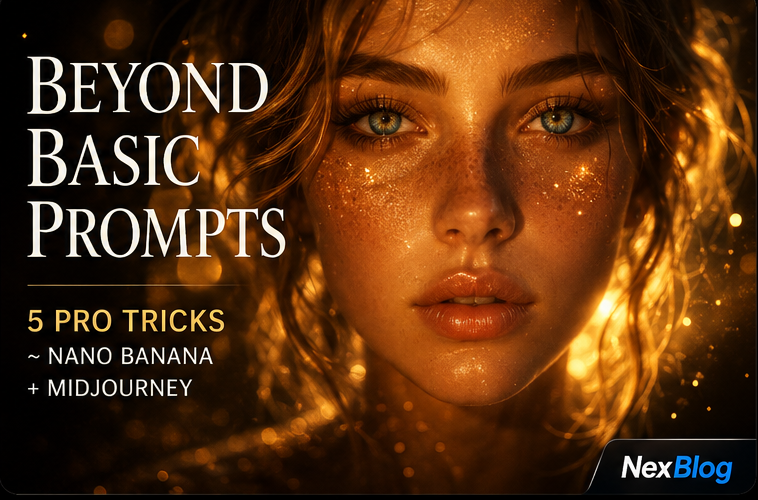
Hey fellow creators! 🎨
Visual content is HUGE right now 📸 — whether you're building Instagram empires, YouTube thumbnails that slap, or just flexing your AI art game, blurry robot-looking images just won't cut it anymore. 😤
You know that feeling when your prompt spits out something that looks like a fever dream instead of a clean, crisp photograph? Yeah. We're fixing that TODAY! 🔥
Trick 1: Add Camera & Lens Details
The #1 secret to photorealism is pretending you're directing a real photoshoot. Specify the camera and lens:
- "Shot on Sony A7IV, 85mm f/1.4 lens, shallow depth of field"
- "Canon EOS R5, 50mm prime lens, golden hour lighting"
- "Shot on iPhone 16 Pro Max, portrait mode, natural light"
This single addition can transform your output from "AI slop" to "portfolio worthy." 📸
Trick 2: Master Lighting Descriptions
Lighting is EVERYTHING in photography, and it's the same for AI. Use these power phrases:
- "Rembrandt lighting" — dramatic with deep shadows
- "Golden hour backlight" — warm, cinematic glow
- "Soft diffused studio lighting" — clean commercial look
- "Volumetric fog with rim lighting" — cinematic and moody
Trick 3: Use the --style raw Flag (Midjourney)
In Midjourney, adding --style raw at the end of your prompt reduces AI stylization and pushes toward a more photographic, unprocessed look. Combine with --v 6 for maximum realism.
Trick 4: Reference Real Photography Styles
Name-drop famous photographers or photography styles:
- "In the style of Annie Leibovitz portrait photography"
- "Magnum Photos documentary style"
- "National Geographic wildlife photography"
- "Architectural Digest interior photography"
Trick 5: Add Texture and Imperfection
Ironically, adding imperfections makes AI images look MORE real:
- "Slight grain, film photography aesthetic"
- "Minor chromatic aberration"
- "Natural motion blur in background"
- "Realistic skin texture, visible pores"
The Power Combo Prompt
Put it all together: "Portrait of a woman in a coffee shop, shot on Canon EOS R5 with 85mm f/1.4 lens, soft window light from the left, shallow depth of field, slight film grain, natural skin texture, --style raw --v 6"
Try these tricks today and watch your AI image game go from 0 to 100! 🚀